
Graphic design is more than just aesthetics—it’s visual communication. Whether you’re designing for web, print, or social media, having the right tools can dramatically enhance your workflow, efficiency, and creative output. The best part? You don’t always have to break the bank to produce professional-level work. With so many easy and free tools available today, graphic designers—beginners and pros alike—can create stunning visuals without spending a dime.
Here are 8 powerful tools for graphic designers that are not only effective but also accessible for everyone.
1. Canva
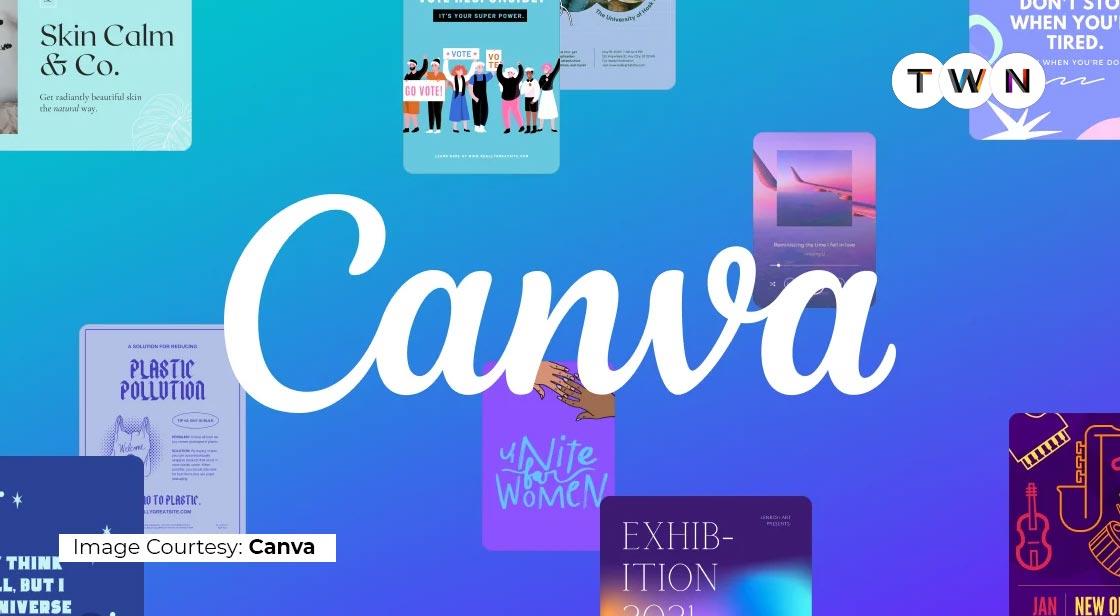
Canva has revolutionized the way people approach design. Whether you’re working on social media graphics, flyers, presentations, or resumes, Canva offers a massive library of templates, fonts, and stock images.
This cloud-based platform is one of the most easy and free tools for non-designers and professionals alike. Its intuitive drag-and-drop interface makes it a go-to option for quick designs with zero learning curve.
2. Figma
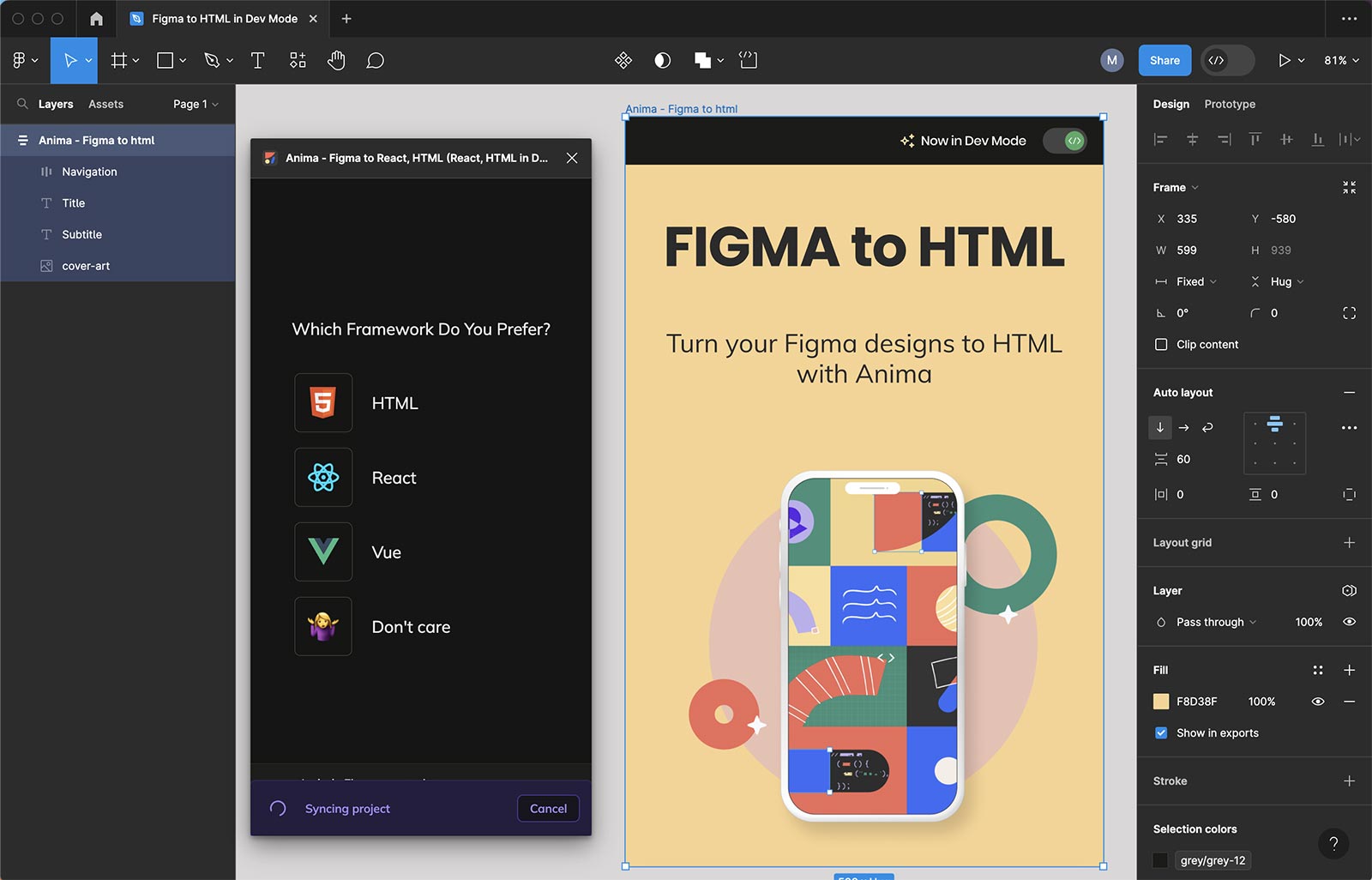
Figma is a favorite among UI/UX designers and teams that collaborate remotely. It allows real-time editing, meaning multiple designers can work on the same file simultaneously. It’s cloud-based, eliminating the need for large file transfers or installations.
Its prototyping features, plugin support, and version history make it a top choice for interface design. Best of all, the free version is more than enough for freelancers or small teams.
3. Gravit Designer
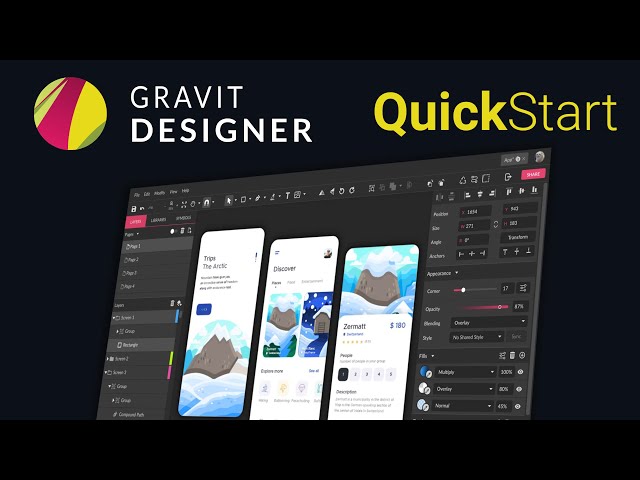
For those who want a powerful vector design tool without installing anything, Gravit Designer is a fantastic option. Available as a web-based and desktop app, it supports advanced features like layers, symbols, and path editing.
Gravit’s clean user interface and cross-platform compatibility make it one of the most versatile graphic design apps available for free.
4. Photopea
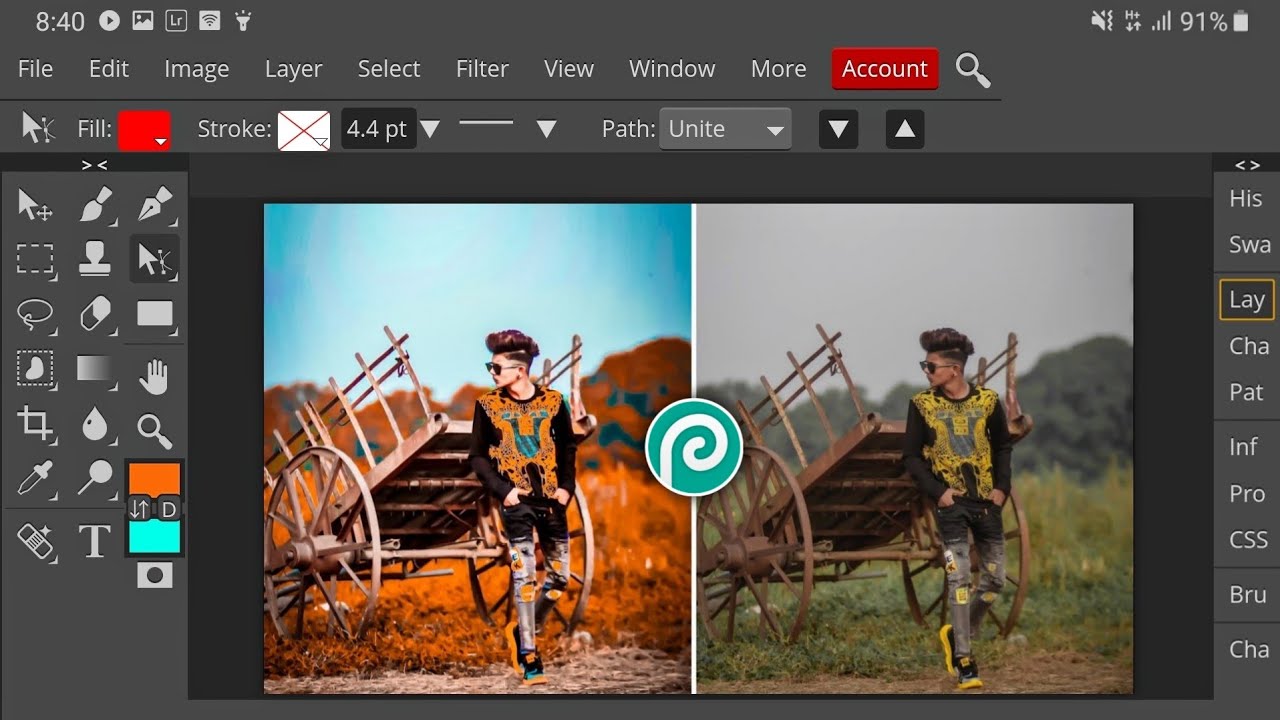
Photopea is an online photo editor that closely mirrors Adobe Photoshop’s layout and features. From layer masks and blending modes to adjustment layers and smart objects, it offers an advanced set of tools that professional designers need.
It runs in your browser, making it one of the best easy and free tools for those who can’t afford Photoshop but still want to work on complex raster graphics.
5. Krita
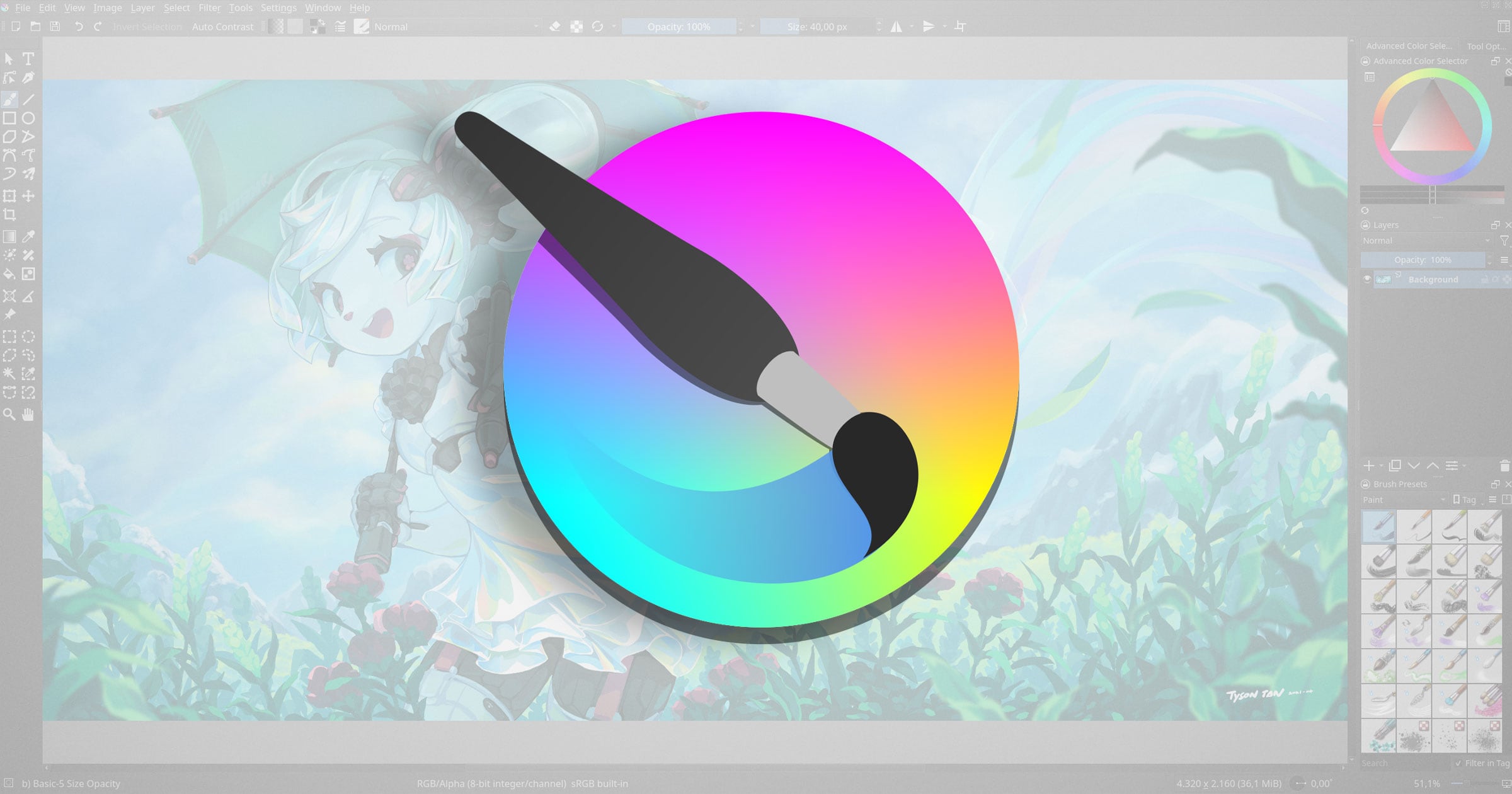
A dream tool for digital illustrators and concept artists, Krita is open-source and packed with features like brush stabilizers, HDR support, and a wide array of custom brushes. It’s specifically geared towards digital painting, making it ideal for artists working in comics, games, and concept design.
Its clean interface and professional-grade capabilities make it an essential part of any digital artist’s toolkit.
6. Inkscape
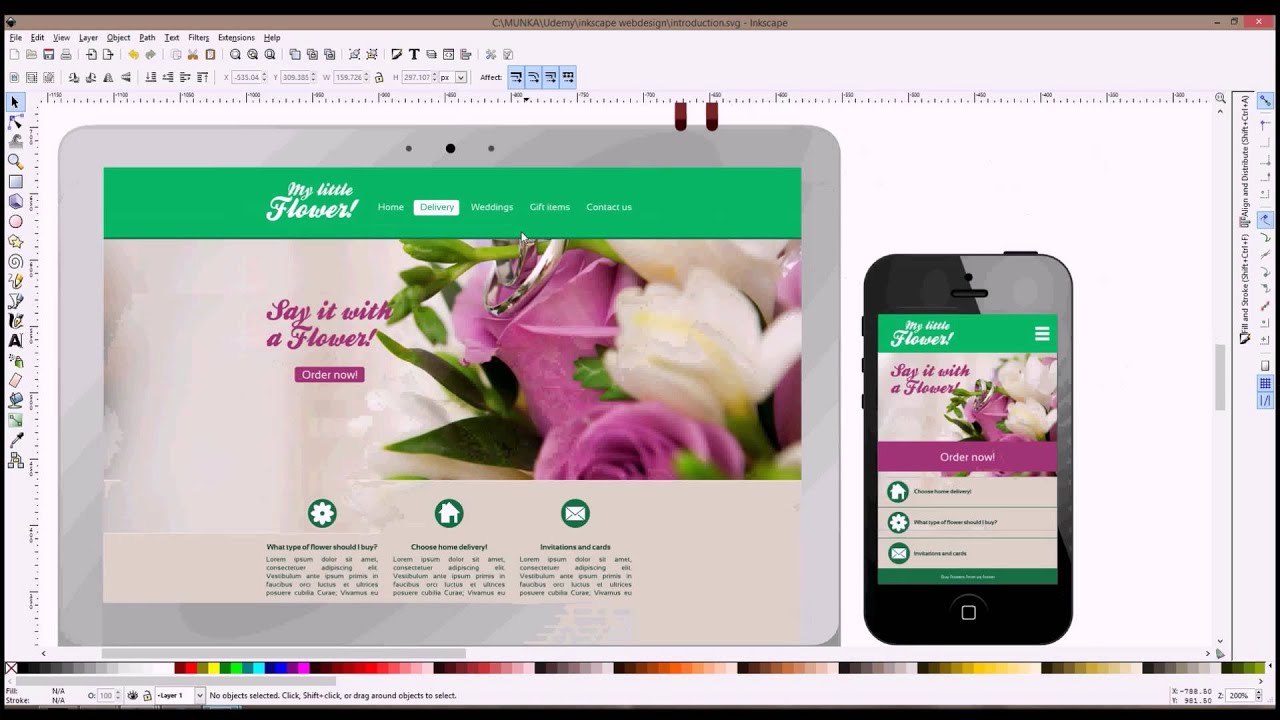
Inkscape is a free and open-source vector graphics editor similar to Adobe Illustrator. It’s perfect for tasks like logo design, icon creation, and complex illustrations. With support for SVG, node editing, and path operations, it stands out as a robust alternative for those working in branding and print.
As one of the top easy and free tools, Inkscape proves that professional design software doesn’t always require a paid license.
7. Pixlr
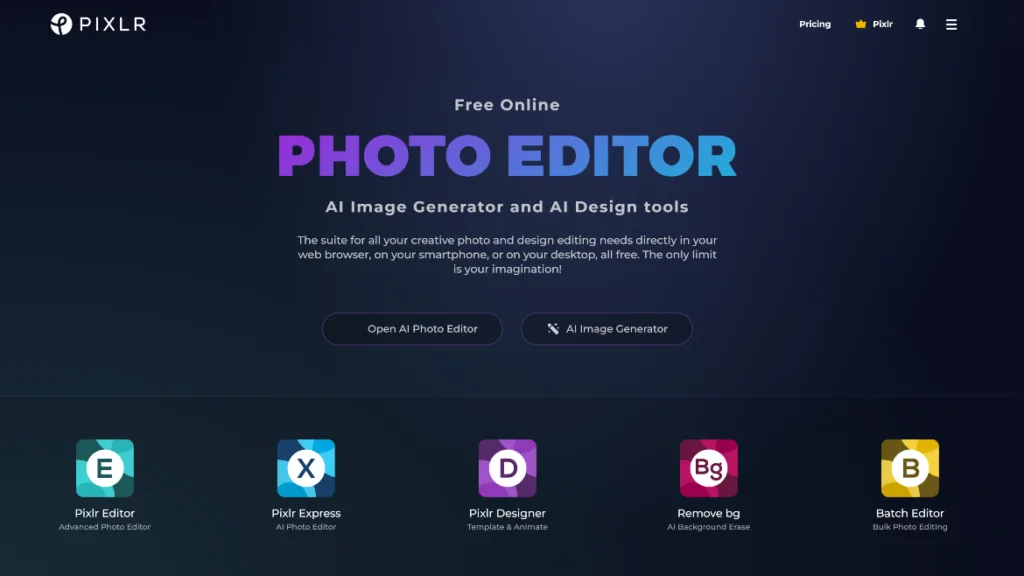
Pixlr offers a suite of browser-based photo editing tools ideal for quick retouching, cropping, and layer-based edits. It’s perfect for bloggers, marketers, and designers who need to edit images fast without learning complex software.
Pixlr X (beginner-friendly) and Pixlr E (for advanced users) cater to different skill levels, making it one of the most flexible graphic design platforms available.
8. Vectr
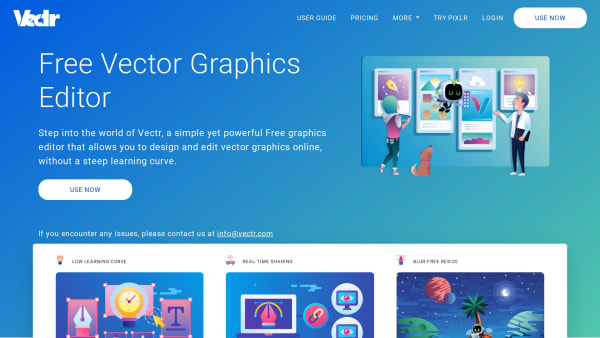
As its name suggests, Vectr is all about vector design. This lightweight tool offers a simple interface for creating graphics like icons, logos, and business cards. It’s web-based but also has a desktop version, and all changes are synced in real time.
It may not have the bells and whistles of Illustrator or Figma, but it gets the job done for basic design tasks and is ideal for beginners exploring the world of graphic design.
Choosing the Right Tool for You
Each of these tools serves different needs—some are perfect for social media graphics, others for high-level illustration or UI design. When deciding which to use, ask yourself:
- What type of projects do I work on most often?
- Do I need collaboration features?
- Am I looking for raster or vector design tools?
- What is my current skill level?